Android
Chrome menu → Install app
- Open this site in Chrome.
- Tap the three dots.
- Tap Install app or Add to Home screen.
- Confirm. The gold seal is the icon.
TOP's Soldier and Veteran Benefit Report
20 years of service
Official doors recut monthly · 164 .gov / .mil doors
Source ledgerPhone app
This is the website, installable. Live domain: soldierandveteranbenefitsreport.com. Play Store listing is packed. Independent educational app. Not affiliated with, endorsed by, or an official product of the U.S. Army, Department of Defense, Department of Veterans Affairs, or TRICARE.
On this phone, today
Android
iPhone
App Store for iPhone is a later fight. Home Screen is the honest iPhone path.
Play Store
I cannot click Submit in Google Play for you. After the live domain is up, walk these six steps. Copy the listing from this page so the Store does not invent a government voice.
Step 1
Play Store wraps the live site. Finish publishing first so the package points at your real domain, not a preview.
Step 2
play.google.com/console. $25 once. Use your LLC name if you have one, otherwise TOP's Benefit Report. Google may ask for ID.
Step 3
Open pwabuilder.com, paste your live site URL, choose Android, download the .aab. You do not need Android Studio.
Step 4
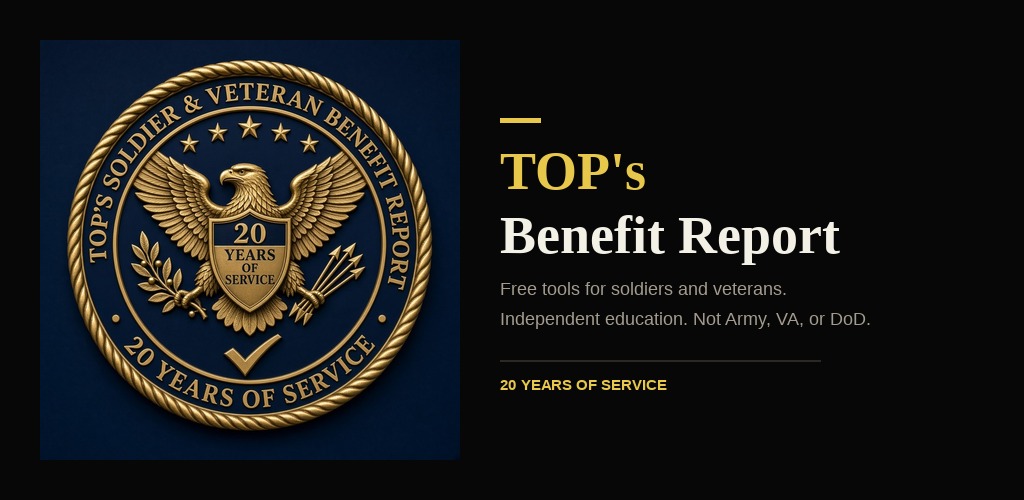
Create the app in Play Console. Copy the title, short description, full description, and screenshots from this page. Feature graphic is the 1024×500 banner. High-res icon is the 512 seal.
Step 5
PWABuilder / Play App Signing shows a SHA-256 certificate fingerprint. That number has to live at /.well-known/assetlinks.json on the site or the app will not stay signed in as yours. After you have it, ask for an update and we drop it in.
Step 6
Run the IARC questionnaire with the answers on this page. Privacy policy URL is your-domain/privacy. Then submit. Review is usually a few days.
Listing pack
App name (30)
TOP's Benefit Report
Short name
TOP's
Package
com.topsitreport.app
Category
Education
Contact
topsitreport@gmail.com
Short description (80)
Free TRICARE, VA, TAMP, and 38 CFR tools. Independent. Not Army or VA.
Full description
TOP's Benefit Report is a free phone app for soldiers, veterans, and the people getting out this year.

It is independent education. It is not an Army, VA, DoD, or TRICARE product. If a rate or a form changes, trust the .gov / .mil page over anything in this app.

WHAT YOU GET
• Start cards for Reserve, active duty, AGR, family, getting out, veterans, gray-area retirees, retirees with pay, and 1SGs
• Status bootcamp: what to sign up for across healthcare, finance, education, housing, insurance
• TRICARE Reserve Select checker and 2026 rates
• TAMP countdown and BDD clock
• Combined-rating calculator and searchable 38 CFR Part 4
• FEDVIP / dental / vision / life / homeowners explainers
• Gray-area retiree notes (TRR, SBP, when TRICARE starts)
• Signup guides rewritten in plain English, with the official door at the end
• Weekly recut sitreps from official benefit news

WHAT THIS APP WILL NEVER DO
• File a VA claim
• Take a VA.gov, Login.gov, ID.me, DS Logon, or milConnect password
• Charge a fee to enroll you in TRICARE or “unlock” a rating
• Pretend to be the government

HOW TO USE IT
Pick the lane that matches you. Watch the walkthrough. Open the matching tool. Enroll on the official site.

Shirts and merch live on the YouTube store. Everything on this app stays free except that store.

Channel: youtube.com/@topsitreport
Write: topsitreport@gmail.com

Always verify eligibility, premiums, and forms on the official page before you enroll, pay, or file.
Store disclosure — do not skip
Independent educational app. Not affiliated with, endorsed by, or an official product of the U.S. Army, Department of Defense, Department of Veterans Affairs, or TRICARE.
Graphics
High-res icon 512×512. Feature graphic 1024×500. Same gold seal as the channel.
Phone screenshots
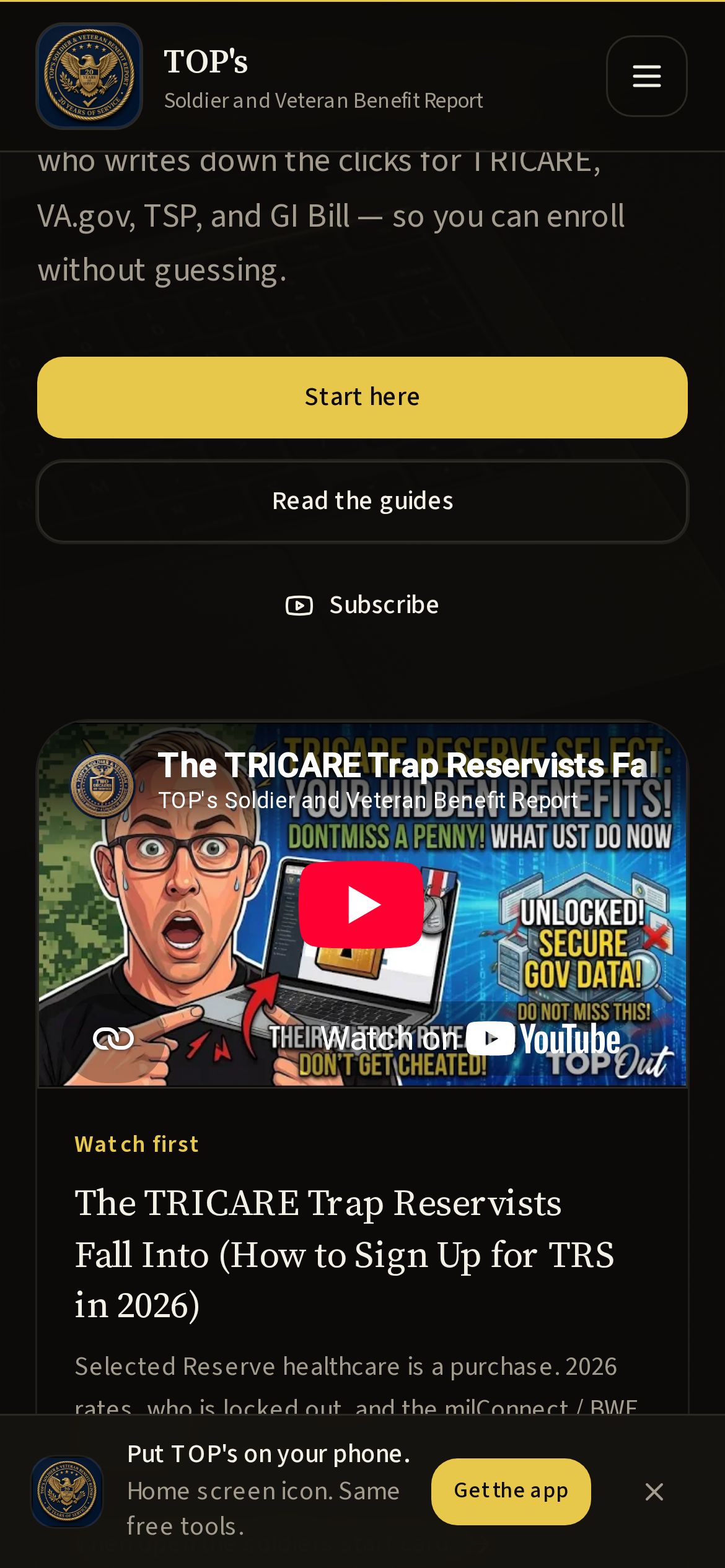
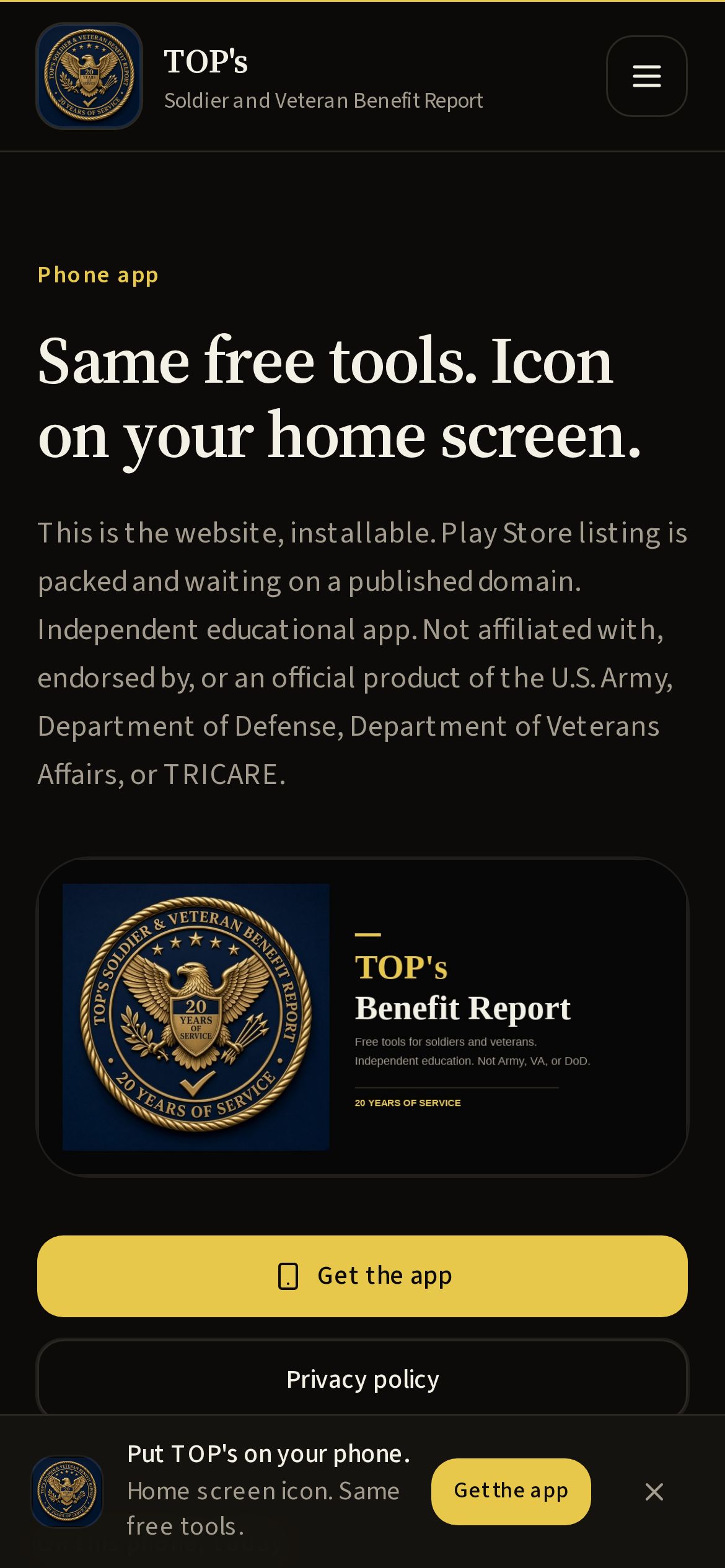
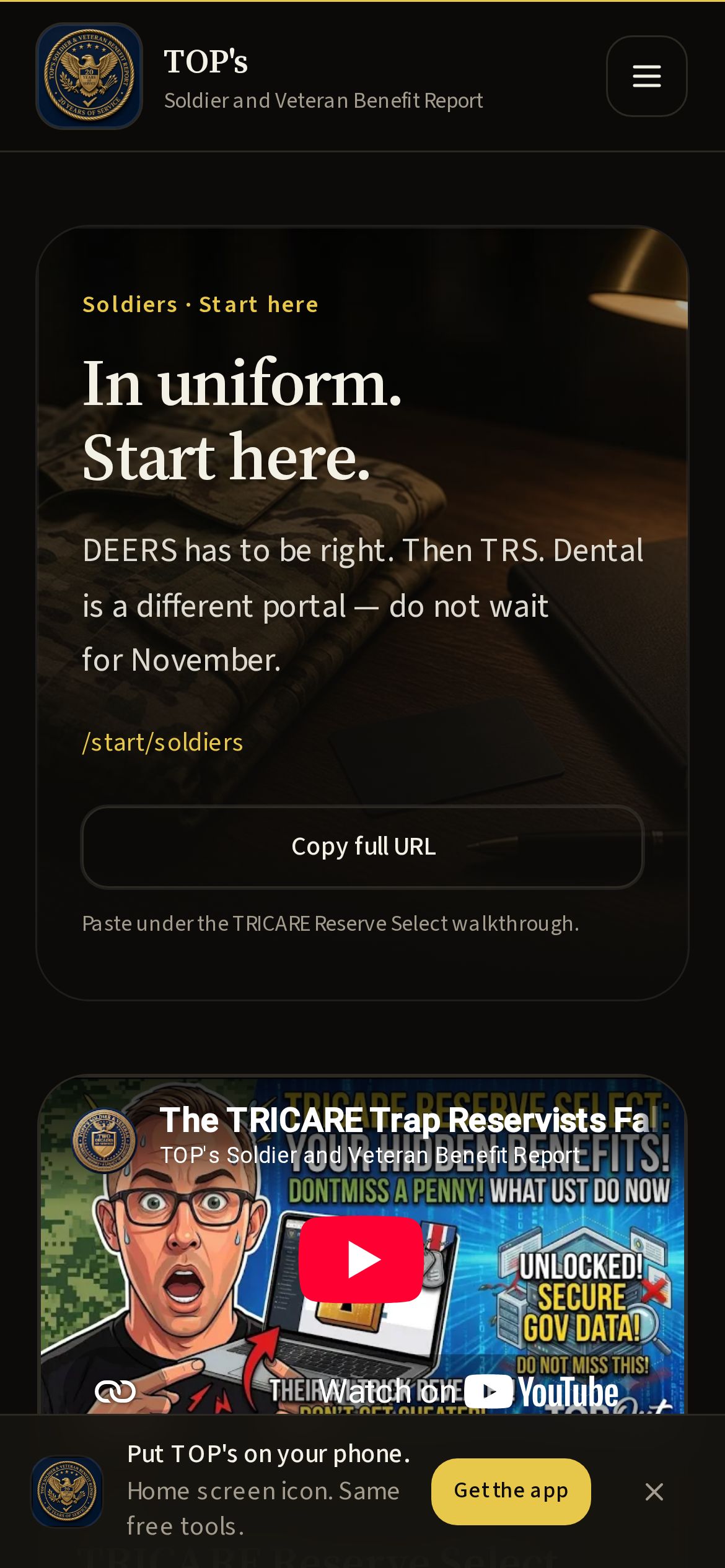
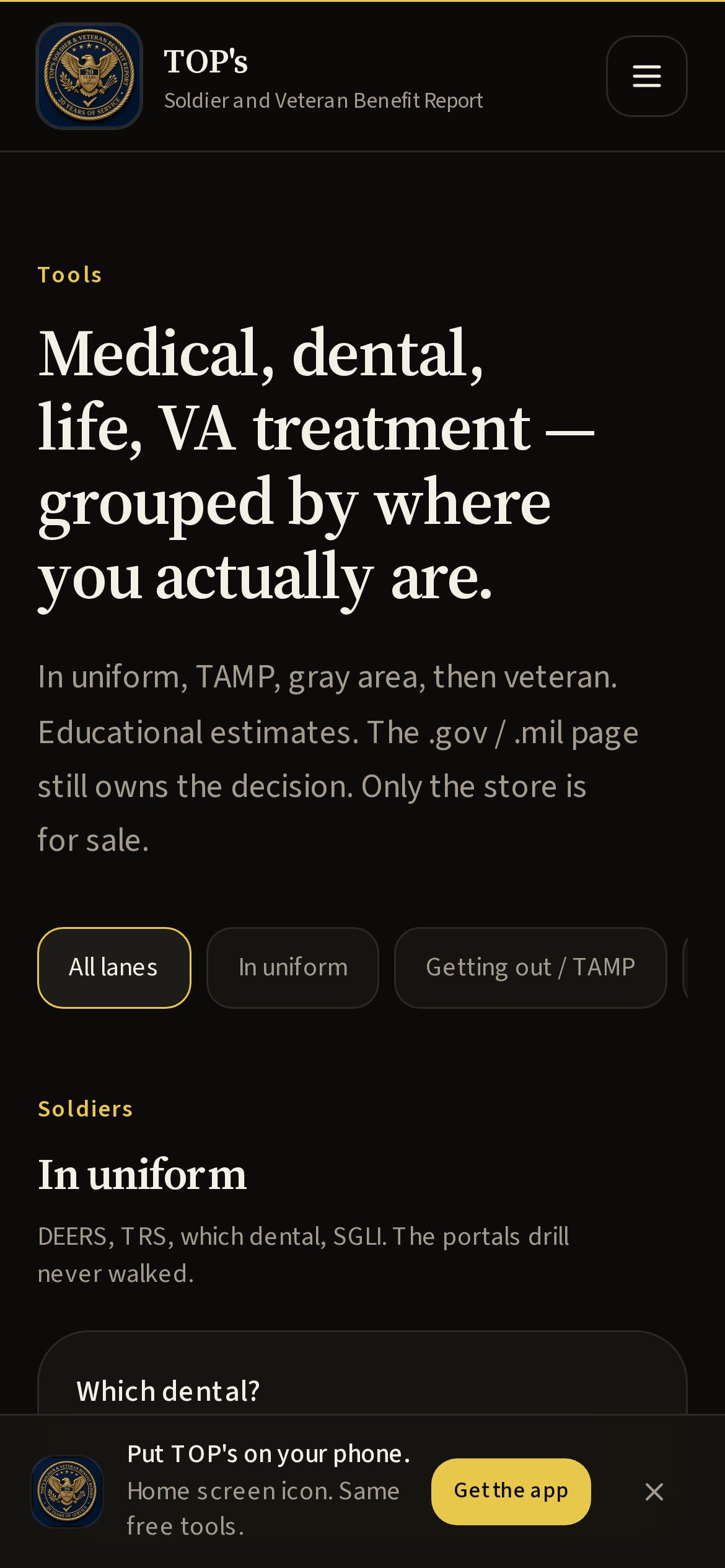
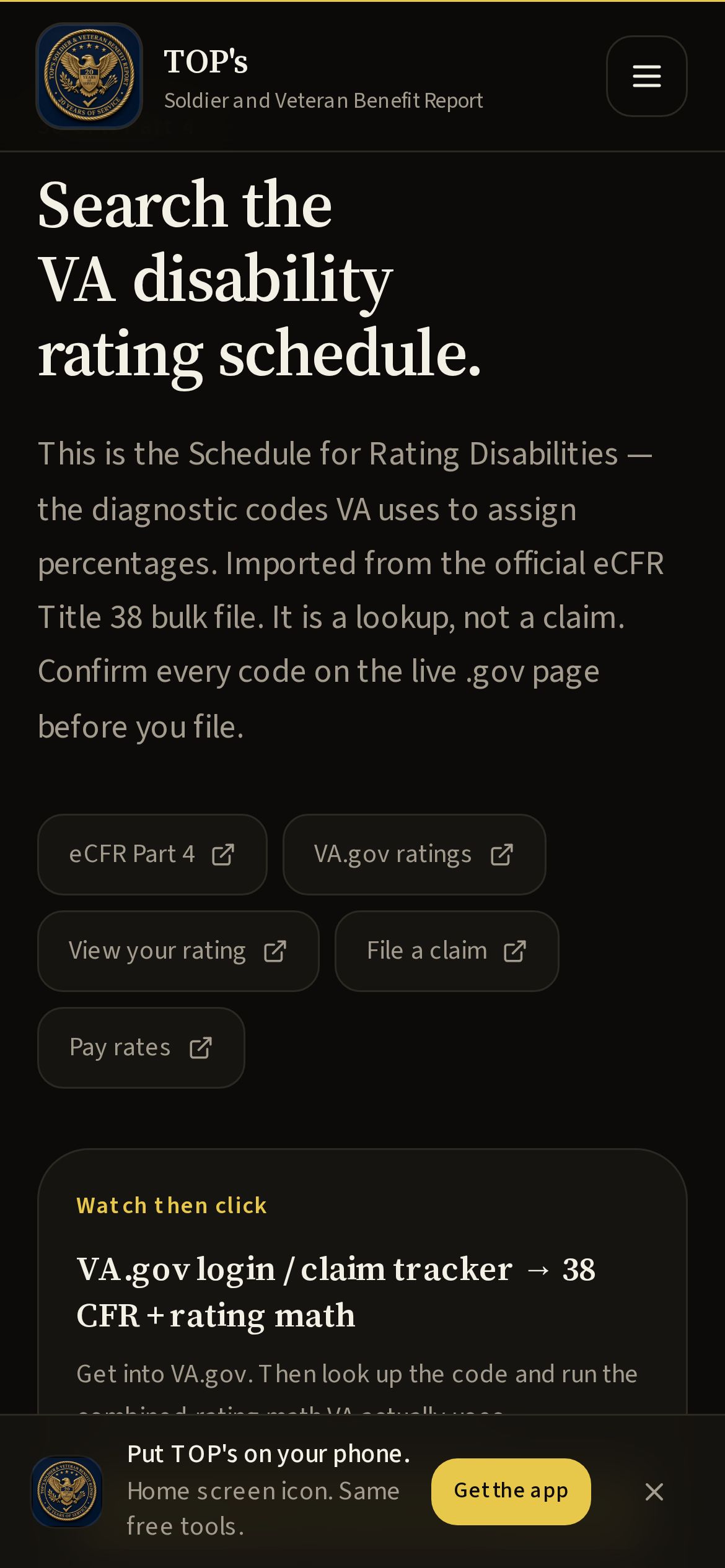
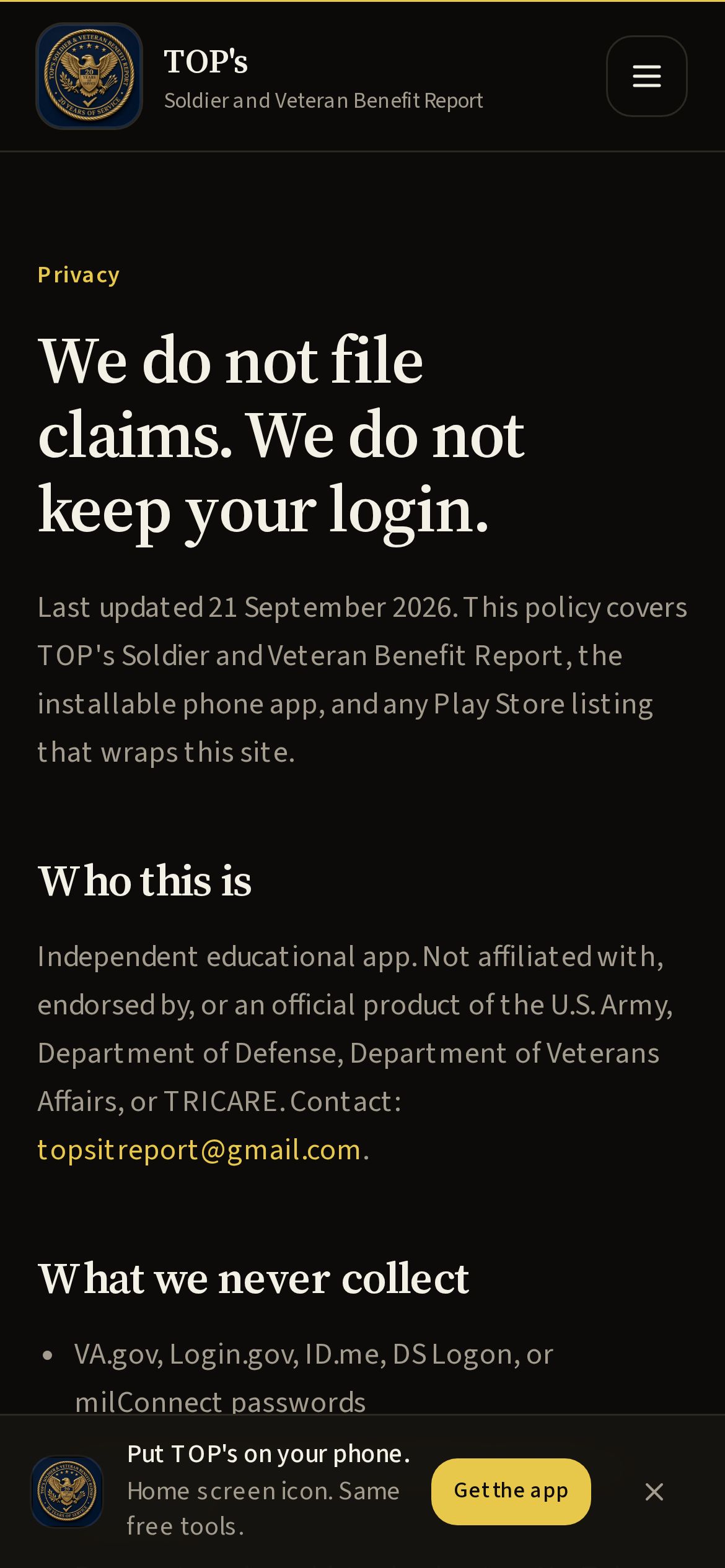
1170×2532 JPEGs. Phone, portrait. At least two are required; six is safer.
Content rating
Violence, blood, or weapons as gameplay
No
Sexual content or nudity
No
Language / profanity
No
Controlled substances, alcohol, tobacco
No
Gambling
No
Horror or frightening content
No
Users communicate inside the app
No. Contact is email on your own device.
User-generated content posted in the app
No
Shares location
No
In-app purchases / Play Billing
No. Optional merch is on YouTube, outside the app.
Ads
No
Unrestricted internet (links out)
Yes — official .gov / .mil pages and YouTube.
Collects personal info in the app
No accounts. Email only if you choose to write TOP.
Intended for children
No. Written for adult service members and veterans.
Suggested rating
Everyone / PEGI 3. Target users are 17+.
Home screen shortcuts
Questions about the listing: topsitreport@gmail.com. Privacy is a Play requirement — keep /privacy on the live domain.